

Instagramwildlife archivecollection
Turn an Instagram Wildlife Archive Into a Species Collection
What survives in an Instagram wildlife post and what is lost, how to review each post honestly, and how to keep the originals in a species collection.
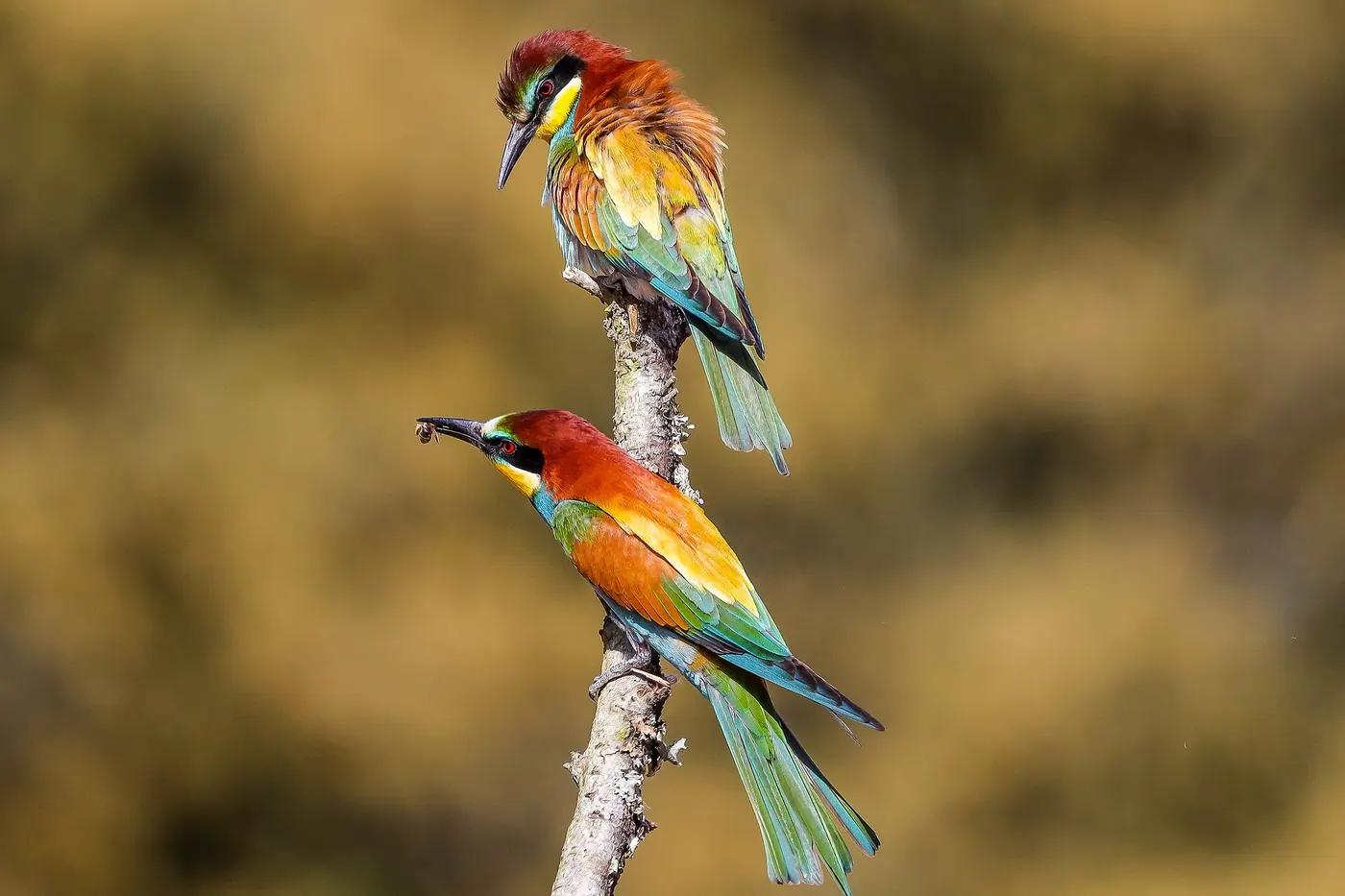
A feed is a timeline, not a collection
Instagram is good at showing work in order. It is bad at answering the question a wildlife photographer actually has after a few years: what have I documented? Which snakes, which birds, which places, and which of those identifications would I still stand behind? A grid of 900 posts cannot be filtered by species, cannot separate a zoo tiger from a wild one, and cannot tell you that the “kingfisher” from 2018 was captioned on a bus with no field guide.
A species collection inverts the feed. The animal is the entry; the posts are evidence attached to it. Import is the bridge for the pictures that already exist, and it only works if the bridge includes a review step rather than a bulk copy.
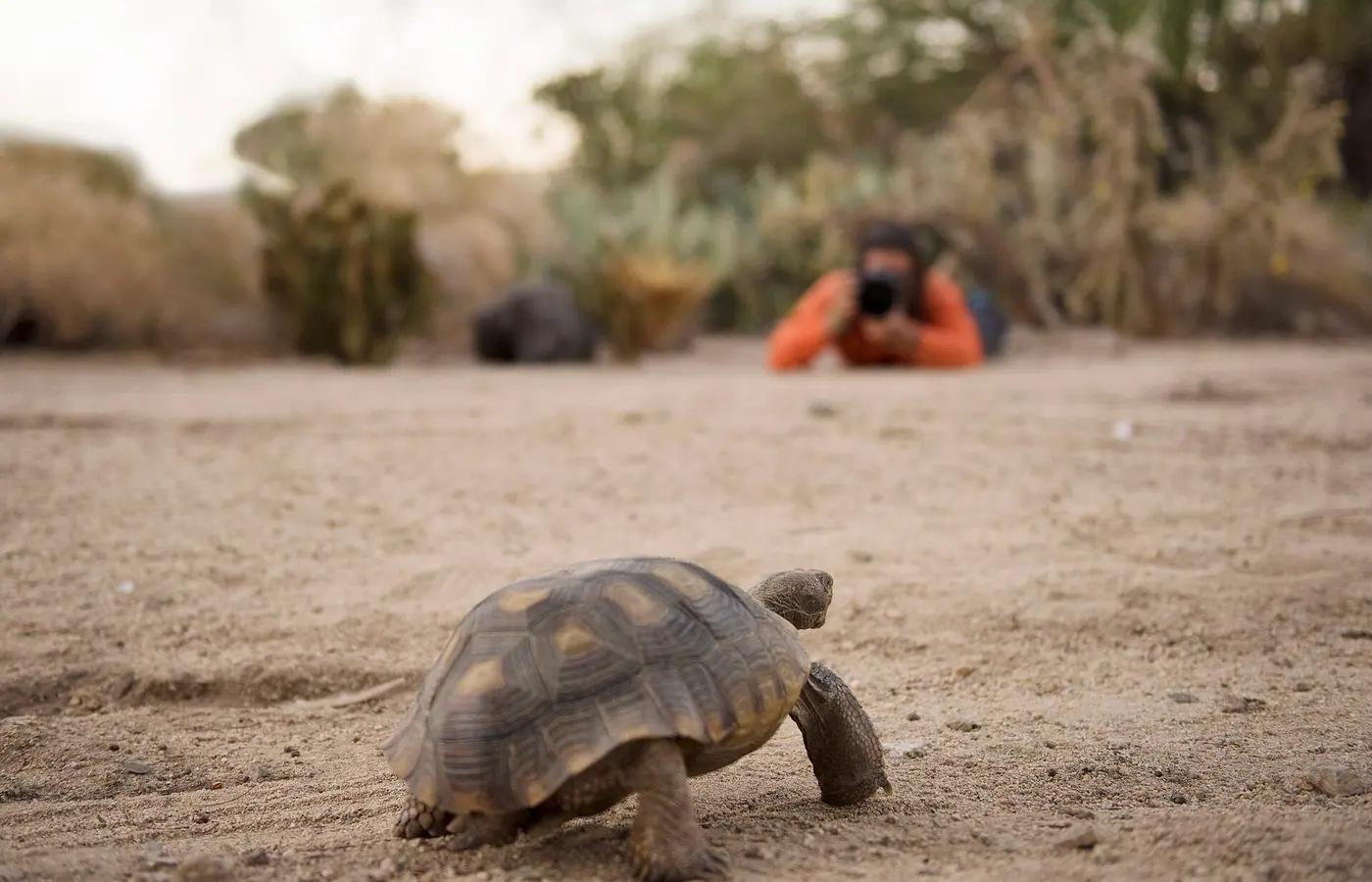
What Instagram keeps and what it throws away
Instagram re-encodes every upload. The version on the feed is a compressed JPEG resized to roughly 1,080 pixels on the long side, cropped to the aspect ratio you chose, with the EXIF block stripped. That means the camera's capture date, lens, exposure and any GPS coordinates are gone from the file. What survives is what you typed: the caption, hashtags, alt text if you added it, and a location tag, which is a named place page rather than a coordinate.
The consequences for a wildlife archive are specific. The post date is not the capture date; many people post a safari in batches weeks later. The location tag is often a city or a country chosen from a list. Fine detail that would let you count scale rows or read a leg band has been compressed away. If you still have the originals on a drive or in a cloud library, those are the files to keep; the Instagram copy is the evidence of last resort.
| Field | On Instagram | In your original file |
|---|---|---|
| Capture date and time | Lost; only the post date remains | EXIF DateTimeOriginal |
| GPS coordinates | Stripped on upload | Present on most phone photos; on cameras with GPS or a linked phone |
| Camera, lens, exposure | Stripped | EXIF |
| Resolution and detail | Resized to about 1,080 px, re-compressed | Full resolution |
| Caption and hashtags | Kept (and editable, so not fixed evidence) | Not stored unless you wrote IPTC keywords |
| Location tag | Kept as a named place, not a coordinate | Not applicable |
| Alt text | Kept if you wrote it | Not applicable |
| Video frames | Re-encoded; still useful for identification | Original clip |
The actual import path
Connect a compatible Instagram professional account. AnimalDex looks through your posts for ones that appear to contain animals and lines them up as candidates. For each candidate you confirm three things: the species or group, a historical location (where the animal was when you photographed it, which is not today's GPS), and the setting. Only after that does the original eligible photo or video become an entry in your Dex.
Videos, including Reels, are sampled for frames when your device can play them; if a clip cannot be sampled it is skipped and the rest of the archive continues. Not every post qualifies. Named failures stay visible in the list so that a partial import is not mistaken for a finished one, and so you can retry a skipped Reel later on another device.
Connect
Link the Instagram professional account that holds the archive. No messaging permissions are requested.
Find
AnimalDex scans posts for animals and queues candidates. A photo of a menu or a sunset will not appear.
Review
Confirm species or group, historical location and setting for each candidate. Candidates without a confirmed location stay out of the queue.
Import
The original eligible media becomes an archive entry in your Dex. Skipped items are listed by name so you can come back to them.
Import Instagram wildlife photos
Reviewing a post honestly
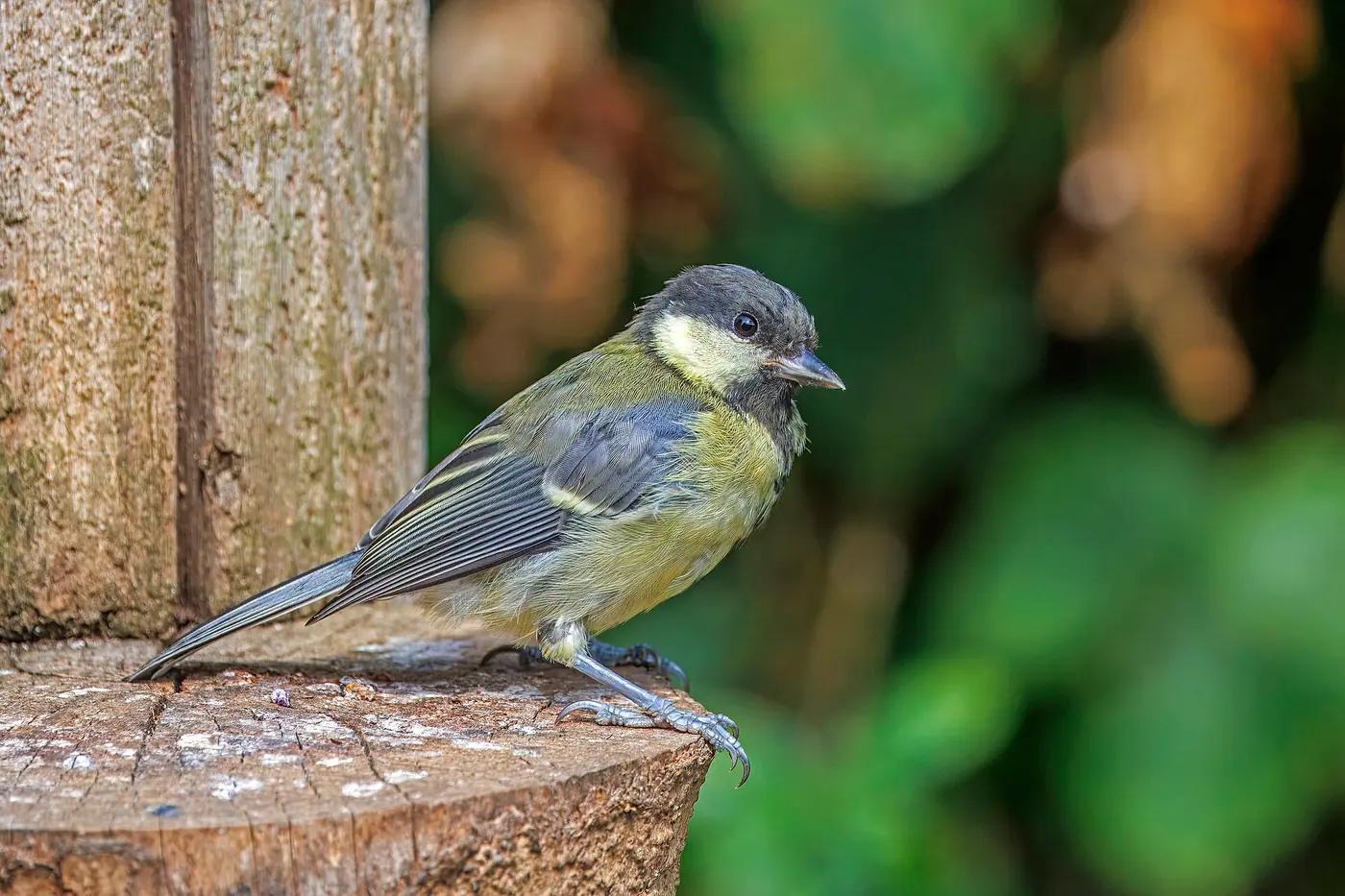
Review is where the archive earns its value, and three habits make it fast. First, resolve the identity from the picture, not the caption; the caption is a hypothesis written by a younger you. If the diagnostic feature is not visible, keep the group. A great tit and a coal tit are easy on a sharp frame and genuinely ambiguous on a dark, compressed one, and “tit (Paridae)” is a correct record.
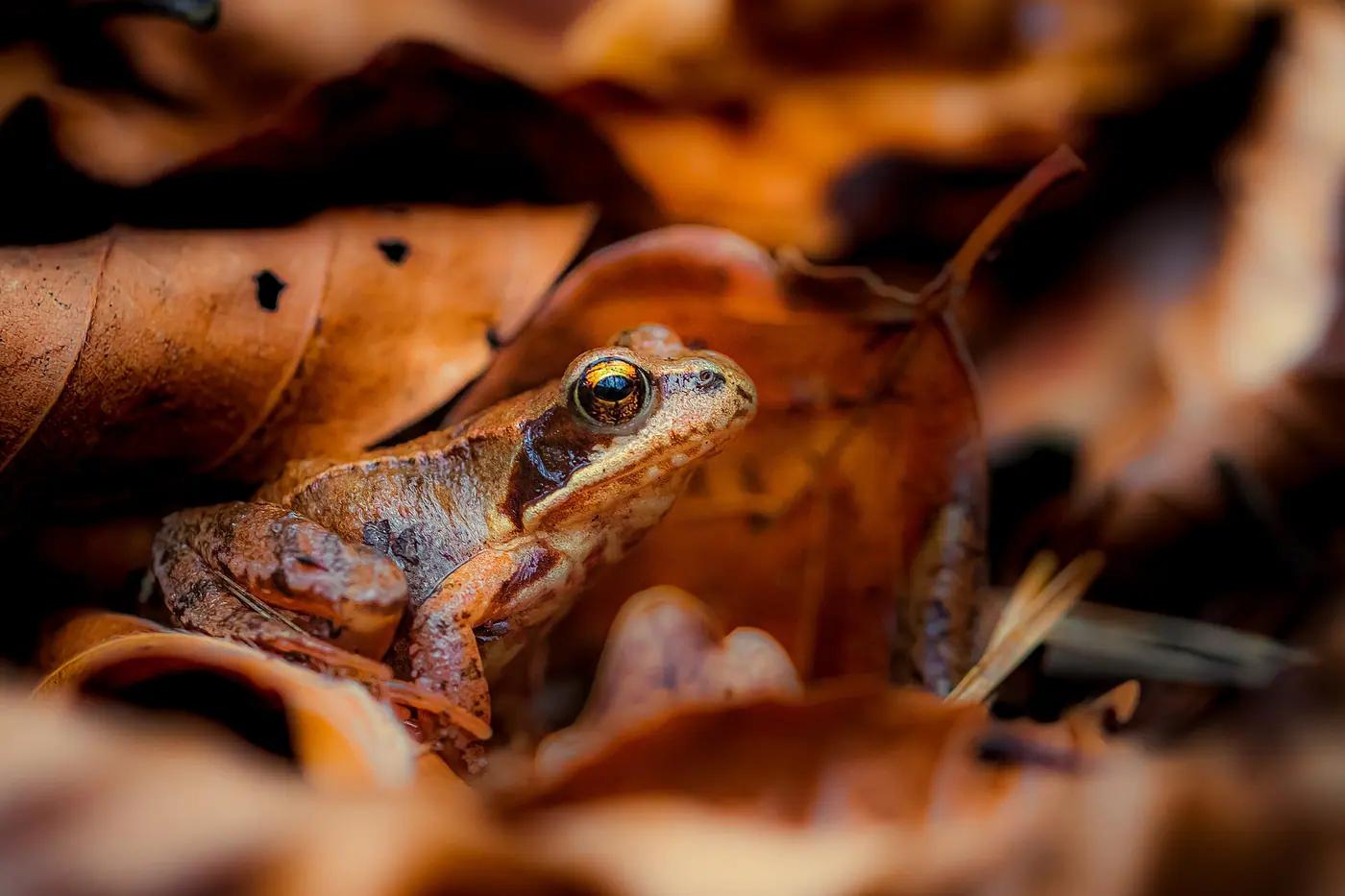
Second, place the animal where it was. Use the surrounding posts, the itinerary and the background to rebuild the site, and choose the coarsest unit you are sure of. Third, tag the setting before you forget. The same frog photographed in a visitor-centre terrarium and under a log in the forest are two different records, and a list that merges them is wrong in a way that is hard to undo.
Professional accounts, not a Meta endorsement
Import needs a compatible Instagram professional account (business or creator). Personal accounts cannot always connect, and if connecting fails the usual fix is to switch the account type in Instagram's settings and try again. AnimalDex is not an official Instagram or Meta product, does not claim a partnership, and does not request messaging permissions. If you would rather not connect at all, Instagram's own “Download your information” export gives you the posted media and a file of captions and timestamps, which you can review by hand into any catalog.
Either route gives you the posted copy, not the original. If the originals exist anywhere, pair them with the imported record so the full-resolution file is what you check an identification against.
Archive items and live captures are different things
Imported posts build your Dex and your life list. They do not add qualifying live-capture wildlife signals for Creator Rewards, which is paused anyway. They are archive items: reviewed historical encounters with a reconstructed place. Live captures are made in the app, in the field, with the camera and location pipeline running at the time. The two sit in the same collection and are labelled differently, and only live captures feed programmes that depend on live contribution, such as Creator Rewards, which is currently paused in any case. Nothing about an import is a payout, and nothing about it needs to be. A searchable, honest record of ten years of wildlife is the point.
The post date is not the capture date, and the location tag is a place page, not a coordinate.
Pertanyaan singkat
Jawaban ringkas untuk pertanyaan yang paling sering muncul pada topik ini.
- Does Instagram keep the metadata on my wildlife photos?
- No. Instagram strips the EXIF block on upload, so capture date, camera settings and GPS coordinates are gone from the posted file. The caption, hashtags, alt text and a named location tag survive because you typed them. Keep your original files if you want the real date, coordinates and full resolution.
- Can I import Instagram photos into a species collection?
- Yes, from a compatible Instagram professional account. AnimalDex finds posts with animals, then you review species, historical location and setting for each one before the original media becomes an entry in your Dex. Posts you cannot place honestly stay out of the queue, and some identities stay at group level on purpose.
- What is the difference between an imported post and a live capture?
- An imported post is a reviewed historical encounter whose place you reconstructed; a live capture is photographed in the app in the field with its location recorded at the time. Both live in your collection and are labelled differently. Only live captures count toward live-contribution programmes, and Creator Rewards is currently paused.
- Can I import Instagram Reels and videos?
- Often, yes. AnimalDex samples frames from a video when your device can play it and you then review the same identity and location details as for a still. If a clip cannot be sampled it is skipped by name, the rest of the import continues, and you can retry later or on the iOS app.
- Do I need a professional Instagram account?
- Yes. Import connects through a compatible Instagram professional (business or creator) account; personal accounts cannot always connect. Switching account type in Instagram's settings is usually enough. If you prefer not to connect, Instagram's own data download gives you the posted media and captions to review by hand.
Panduan jawaban terkait topik ini
Kalau kamu ingin perbandingan langsung dan rekomendasi yang jelas, lanjutkan ke halaman jawaban berikut.
Best Animal Identification Apps
Compare the best animal identification apps by features like photo/video identification, species coverage, collection capabilities, offline use, and more.
What Is Animal Collecting
Learn what animal collecting means in modern apps and how AnimalDex turns real-world sightings into cards, sets, rarity, and species learning.
Pokemon-Like Animal App
Looking for a Pokemon-like animal app with real species? AnimalDex combines creature-collection energy with AI scanning and wildlife learning.
Panduan terkait
Instagram archive
What to Do With Years of Wildlife Photos on Instagram
If your best birding, herping and safari pictures only live in a feed: what is at risk, how to get files out, and how to turn them into a species record.
4 menit baca
How to Organize Years of Wildlife Photos by Species
A working method for sorting a wildlife photo archive by species, place and setting, re-identifying old shots honestly and keeping the result searchable.
6 menit baca
Why Wildlife Creators Need a Species Archive
A feed shows recent work. A species-indexed archive shows what you have actually documented, answers editors in seconds, and survives algorithm changes.
5 menit baca