

Instagram archivewildlife photos
What to Do With Years of Wildlife Photos on Instagram
If your best birding, herping and safari pictures only live in a feed: what is at risk, how to get files out, and how to turn them into a species record.
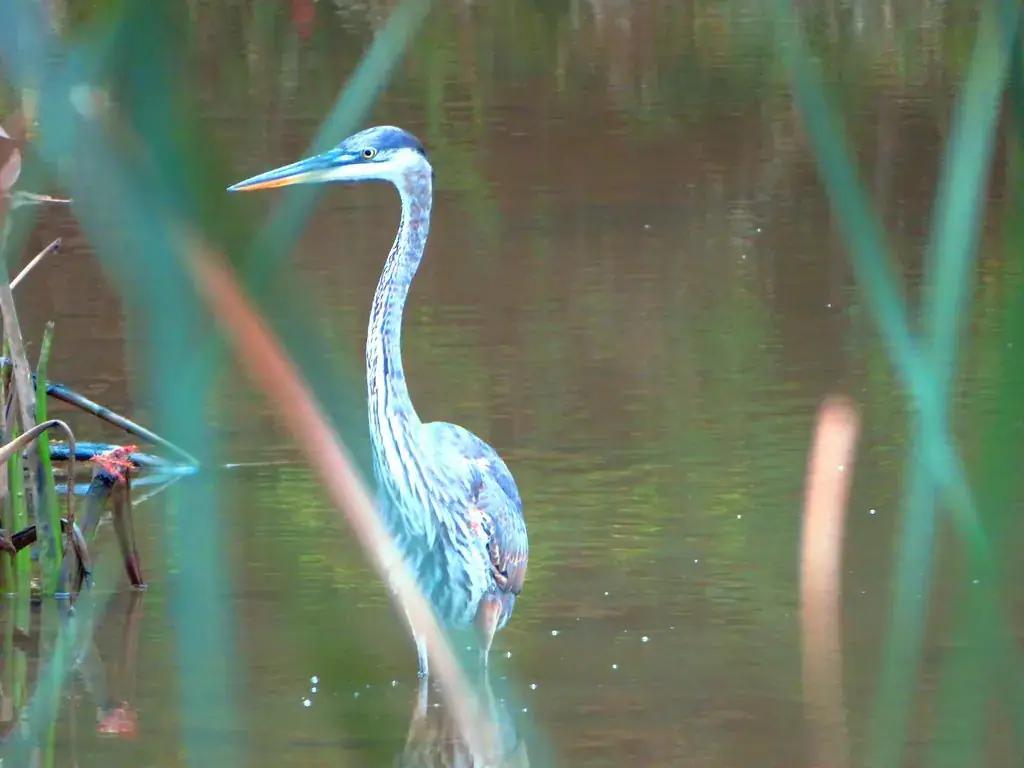
Feeds are a poor archive
Captions get edited. Posts get archived or deleted in a tidy-up. Accounts get locked, hacked or abandoned. The file itself has been resized to roughly 1,080 pixels, re-compressed, and stripped of the EXIF block that held the capture date and any GPS. If the originals are on a phone that was replaced in 2020, the feed copy may be the only version left of a snake you will never see again.
Instagram was never designed as a wildlife record, and it does not fail loudly. It simply makes the record harder to find every year, as the species you photographed in 2016 sinks under everything since. The way out is to treat the feed as a source to be mined once, carefully, into something built for the job.
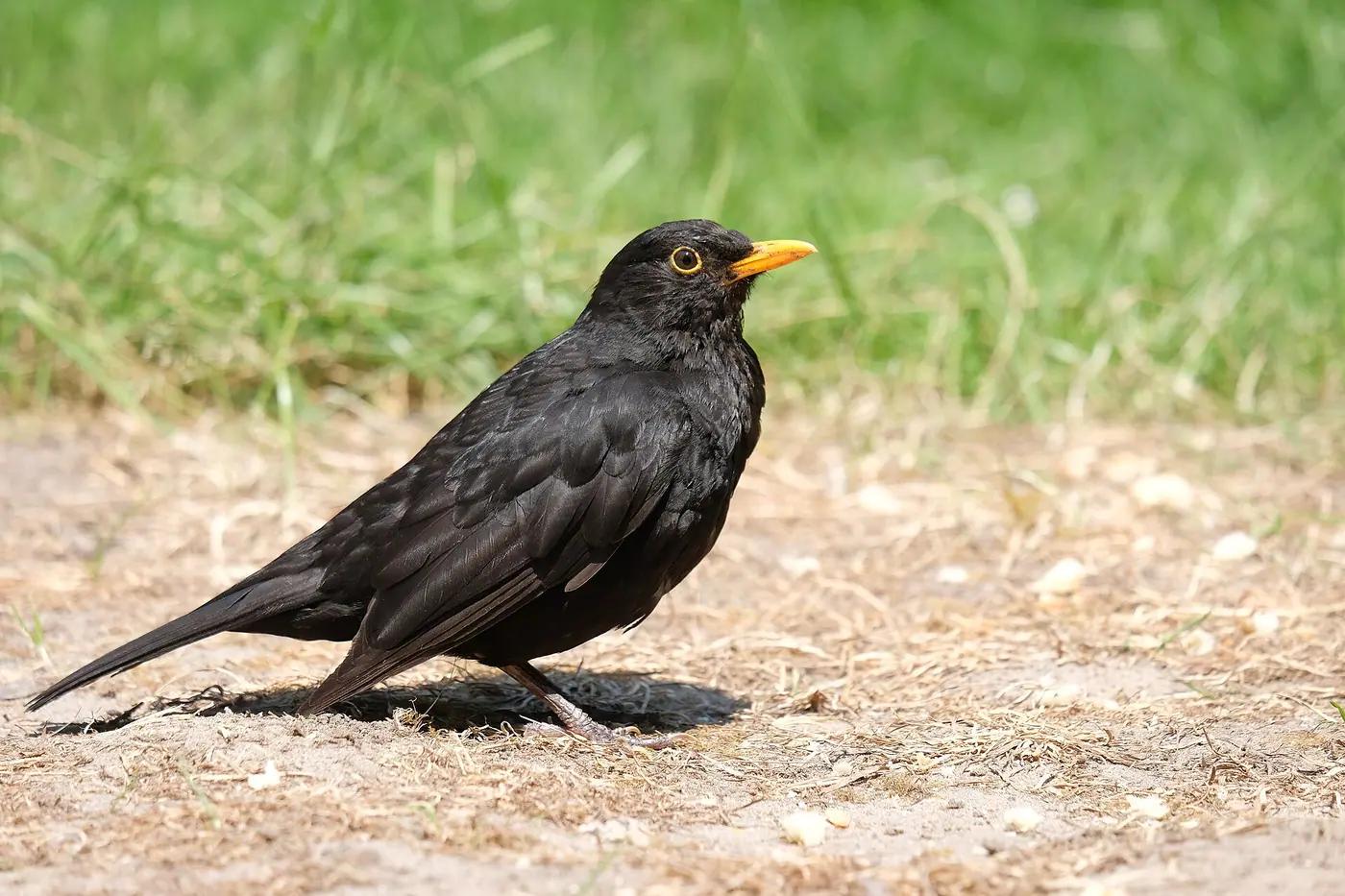
What you can still recover from a feed
More survives than people expect, as long as you know which fields are facts and which are things you typed.
| Still there | Gone | What to do |
|---|---|---|
| The posted image, about 1,080 px | Full resolution and the raw file | Search old drives and cloud backups for the original before settling for the feed copy |
| Post date | Capture date and time | Use the post date as a latest-possible date; rebuild the real date from the trip |
| Location tag (a named place) | GPS coordinates | Treat the tag as a hint; confirm the place from the itinerary and a map |
| Caption, hashtags, alt text | Camera and lens data | Treat the caption's species as a hypothesis to re-check |
| Comments, including corrections | Nothing to lose here | Read them; a knowledgeable follower may have corrected your ID years ago |
| Video, re-encoded | Original clip | Frames are still usable for identification |
Three ways to get the pictures out
Which route you use depends on whether you want files or records.
Instagram's data download
Settings, then “Download your information”. You get every posted image and video plus a file of captions and timestamps. It is a backup of the posted copies, not the originals, and it gives you nothing organised by species.
Your own originals
Old phones, laptop Pictures folders, cloud backups and memory cards left in a drawer. If the raw files exist, they beat the feed copy on every field: date, GPS, resolution.
Review-and-import
AnimalDex scans a compatible Instagram professional account for animal posts and asks you to confirm species, historical place and setting for each candidate before the original media becomes an archive entry in your Dex. Slower than a bulk download; organised by animal at the end.
Import Instagram wildlife photos
Rebuilding the record post by post
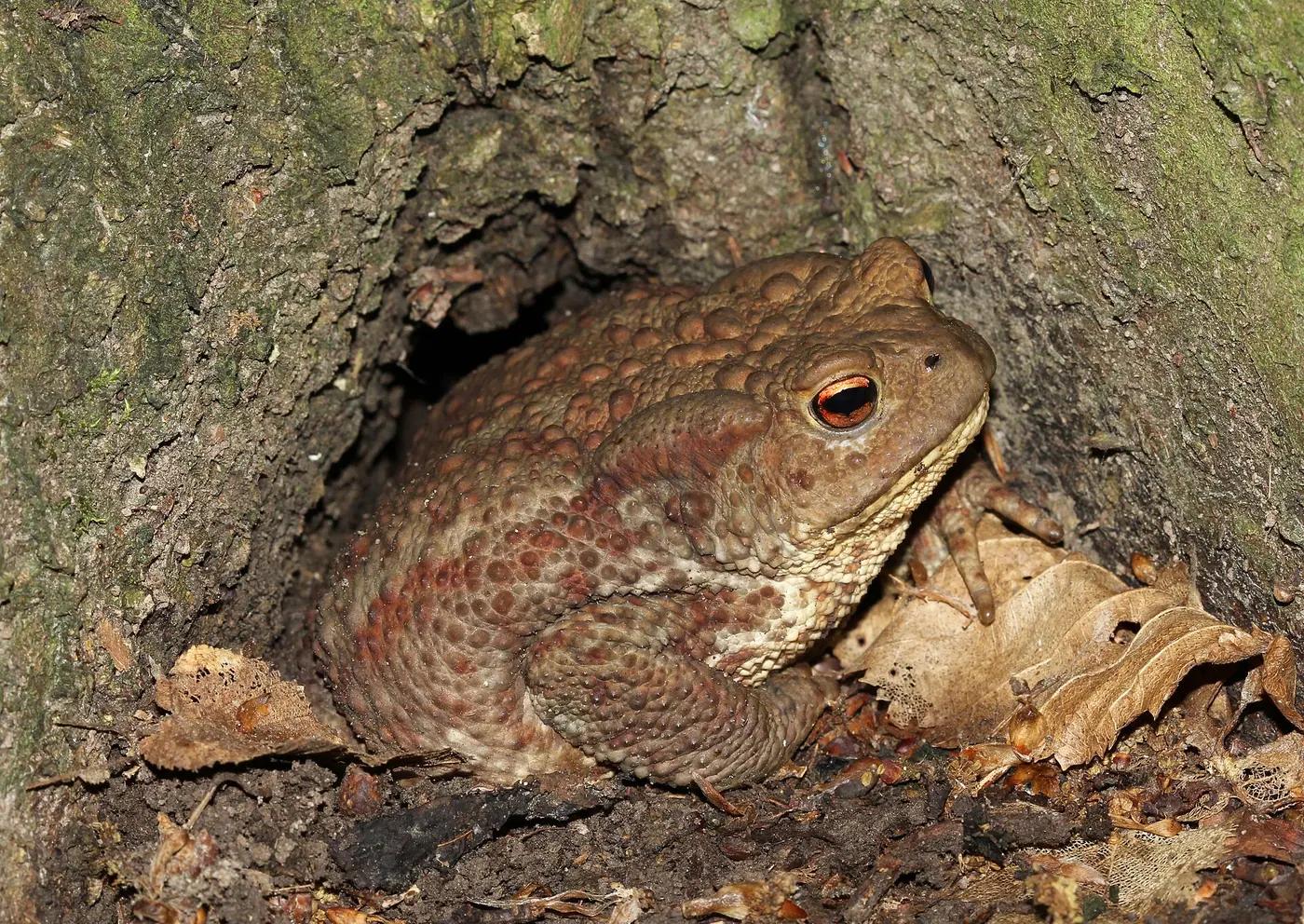
Work chronologically through one trip at a time rather than jumping around the grid, because the posts around a picture are your best evidence for where it was taken. Open the itinerary or the old emails, and keep a map in satellite view beside you. For each animal post: decide the identity from the picture (the caption is a hypothesis), place it at the coarsest unit you are sure of, and tag whether it was wild or captive. A toad photographed on a path at dusk is a wild record; the same toad species in a visitor-centre tank is not.
Expect to downgrade some identifications. A compressed frame of a brown frog often supports the genus and not the species, and the honest move is to record the genus and keep the photo. Expect also to find a few corrections waiting in the comments from people who knew better at the time.
Budget the time honestly. A feed of 600 posts with perhaps 250 animal pictures takes most people four or five evenings at a minute or two per post, longer for the trips where the itinerary has to be reconstructed. Do the easy, well-documented trips first so the method is settled before the 2014 safari with no notes.
Import, then keep shooting
Bring the eligible posts across, then switch to live capture for new work. A live capture made in the app records the location at the time, which removes the reconstruction step that makes archive work slow. The two kinds of entry are labelled differently in the collection: imported archive items are reviewed historical encounters; live captures are field records. Both count toward the life list. Only live captures feed programmes tied to live contribution, and Creator Rewards is currently paused, so nothing about this is a payout; it is a record. The archive becomes the baseline, and being in the field stays the point.
Treat the feed as a source to be mined once, carefully, into something built for the job.
Quick questions
Short answers to common questions readers ask on this topic.
- How do I download all my Instagram wildlife photos?
- Use Instagram's “Download your information” in settings, which exports every posted image and video with a file of captions and timestamps. You get the posted copies (around 1,080 pixels, EXIF stripped), not your originals, and nothing sorted by species. For a species record, review each post into a collection rather than just storing the download.
- Does Instagram keep the original quality of my photos?
- No. Uploads are resized to about 1,080 pixels on the long side, re-compressed as JPEG, and stripped of EXIF metadata including the capture date and GPS. If an original exists on an old phone, drive or cloud backup it is a better evidence file on every count. The feed copy is still usable for identification.
- Can I turn old Instagram posts into a wildlife life list?
- Yes. Review each animal post for species (from the picture, not the caption), a historical place at the precision you are sure of, and whether it was wild or captive. AnimalDex can scan a compatible professional account for animal posts and walk you through that review before each one becomes an archive entry in your Dex.
- What is the difference between an imported post and a live capture?
- An imported post is a reviewed historical encounter with a reconstructed place; a live capture is photographed in the app in the field with its location recorded at the time. Both sit in the same collection and count for the life list, labelled differently. Only live captures feed live-contribution programmes, and Creator Rewards is currently paused.
Answer guides related to this topic
If you want direct comparisons and clear recommendations, continue with these answer-focused pages.
Best Animal Identification Apps
Compare the best animal identification apps by features like photo/video identification, species coverage, collection capabilities, offline use, and more.
What Is Animal Collecting
Learn what animal collecting means in modern apps and how AnimalDex turns real-world sightings into cards, sets, rarity, and species learning.
Pokemon-Like Animal App
Looking for a Pokemon-like animal app with real species? AnimalDex combines creature-collection energy with AI scanning and wildlife learning.
Related guides
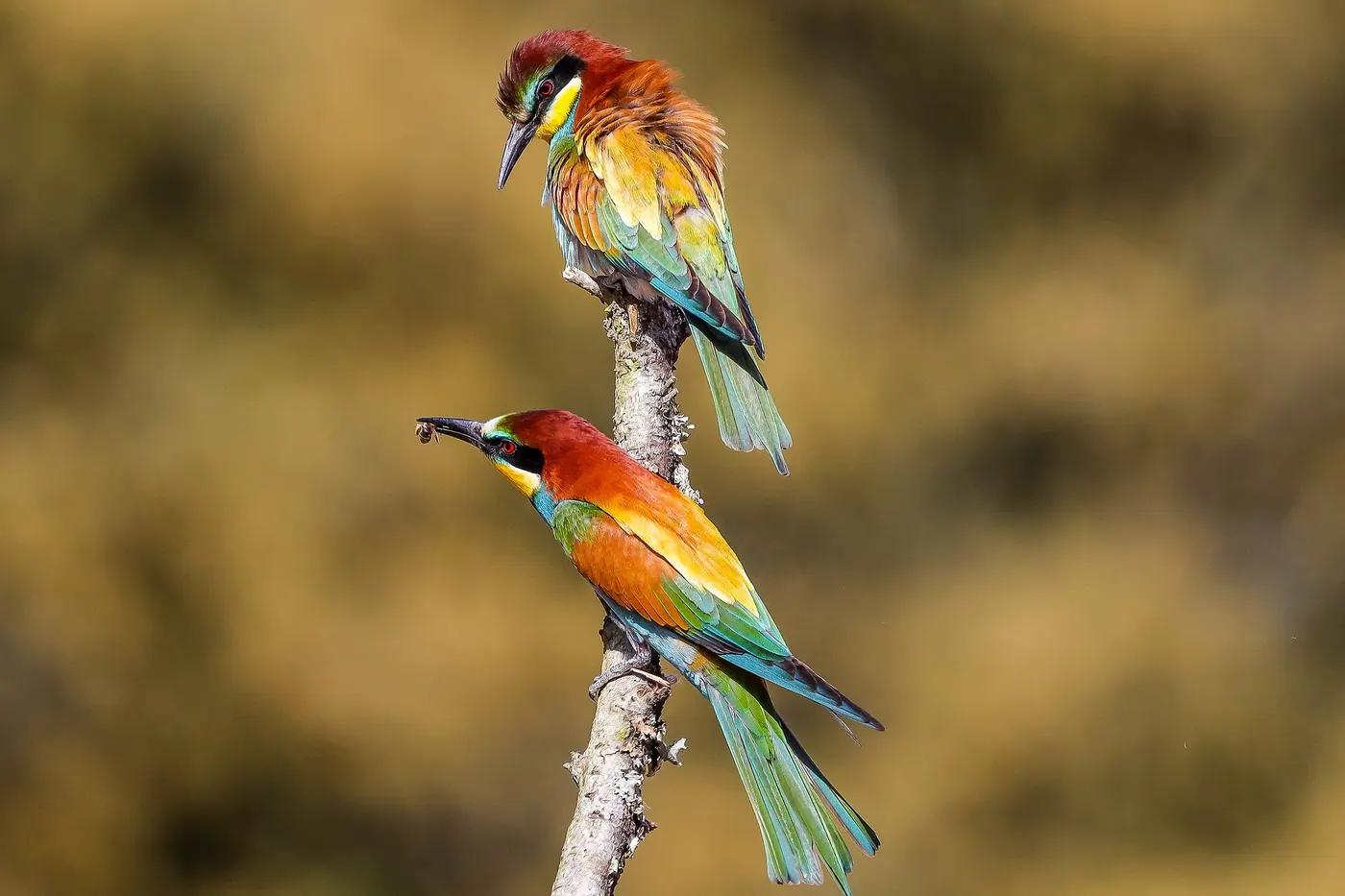
Turn an Instagram Wildlife Archive Into a Species Collection
What survives in an Instagram wildlife post and what is lost, how to review each post honestly, and how to keep the originals in a species collection.
5 min read
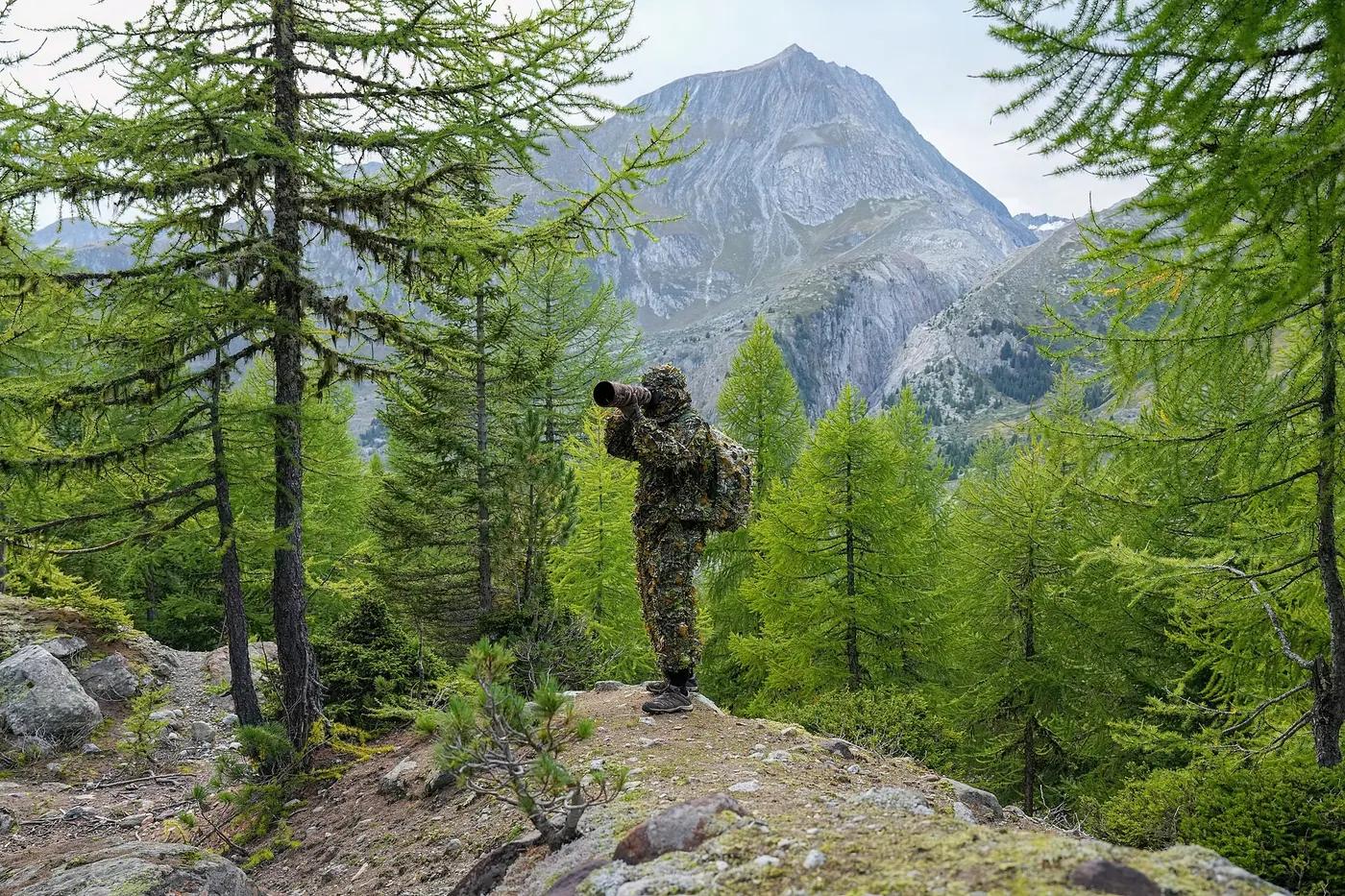
How to Organize Years of Wildlife Photos by Species
A working method for sorting a wildlife photo archive by species, place and setting, re-identifying old shots honestly and keeping the result searchable.
6 min read
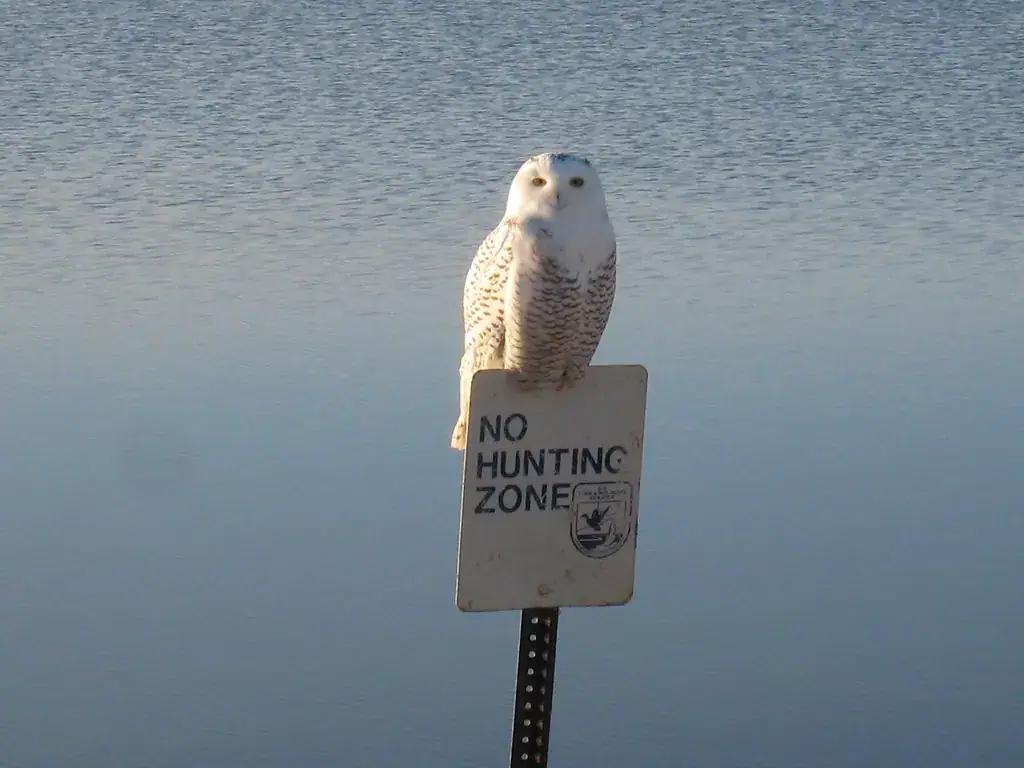
Why Wildlife Creators Need a Species Archive
A feed shows recent work. A species-indexed archive shows what you have actually documented, answers editors in seconds, and survives algorithm changes.
5 min read